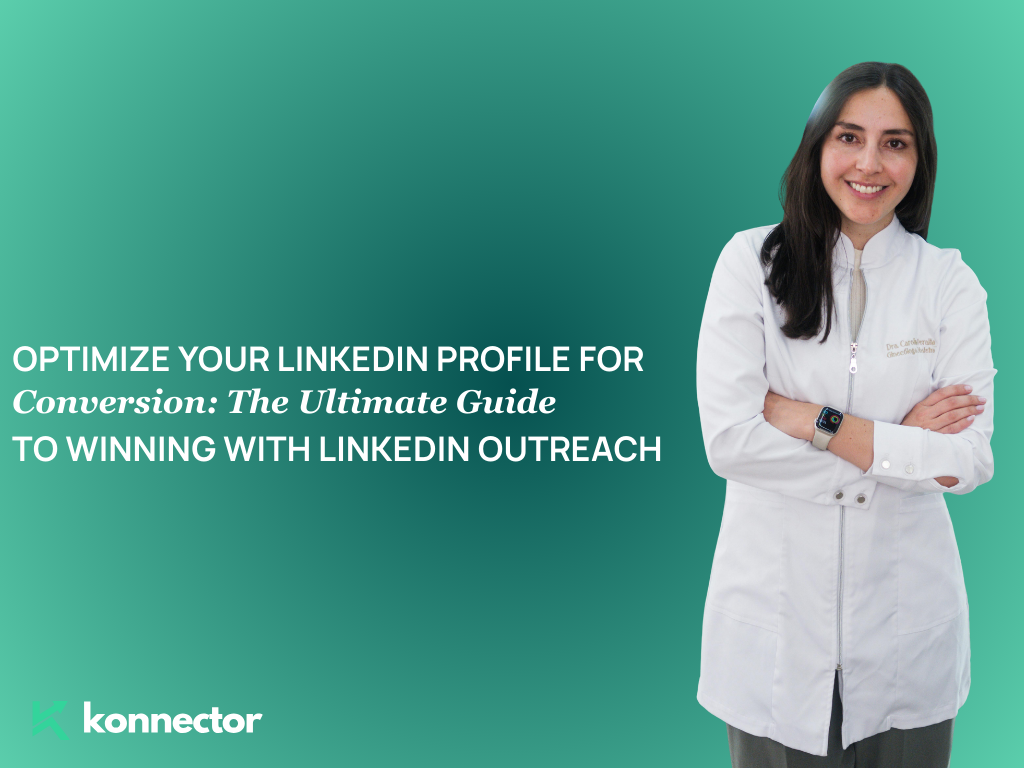
Your LinkedIn profile is your digital first impression. When you send a connection request or launch a LinkedIn outreach campaign, the very first thing your prospect does is click on your profile. What they find there determines whether they reply — or ignore you forever.
At Konnector.ai, we’ve analyzed thousands of outreach campaigns and one pattern stands out clearly: a poorly optimized profile kills conversion before your message is even read. In this guide, we’ll walk you through exactly how to turn your LinkedIn profile into a conversion machine that makes your LinkedIn outreach impossible to ignore.
Why Your LinkedIn Profile Matters More Than Your Outreach Message
Most people obsess over crafting the perfect cold message. They A/B test their opening lines, tweak their CTAs, and spend hours on personalization — only to get a fraction of the replies they deserve. The reason? Their profile tells a completely different story than their message.
Think of it this way: your outreach message is the hook, but your profile is the landing page. When a prospect receives your message, they visit your profile to answer one key question — “Can I trust this person?”
If your profile doesn’t immediately communicate credibility, relevance, and value, they’ll bounce. No matter how good your message was.
The 7 Key Elements of a High-Converting LinkedIn Profile
A Professional, Approachable Profile Photo
Your photo is the very first thing people see. A blurry, casual, or outdated photo signals a lack of professionalism — and that directly impacts your LinkedIn outreach reply rates.
- Use a high-resolution headshot with good lighting
- Smile naturally — approachability builds trust
- Dress the way you would for a meeting with your ideal client
- Use a clean, uncluttered background (solid color or slight blur)
- Make sure your face takes up at least 60% of the frame
Read more—-> Harnessing AI Comments to Boost LinkedIn Engagement
A Banner Image That Communicates Your Value Proposition
Most LinkedIn users leave their banner as the default blue gradient. This is a massive missed opportunity. Your banner is prime real estate — treat it like a billboard.
- Include your brand name or company logo
- Add a short, punchy tagline that speaks to your target audience
- Use visuals that reflect your industry or product
- Include a subtle call-to-action (e.g., “Book a Free Demo” or “Visit konnector.ai“)
A Headline That Speaks to Your Prospect, Not Your Resume
Your headline is the single most important piece of text on your profile. It appears right below your name in search results, connection requests, and — critically — in your LinkedIn outreach messages. It needs to do heavy lifting.
Stop writing headlines like “Sales Manager at XYZ Corp” and start writing headlines like:
- “I help B2B SaaS founders book 30+ sales calls per month using automated LinkedIn outreach”
- “Helping marketing agencies scale lead generation without cold calling”
- “Connecting growing businesses with qualified prospects — 10,000+ leads generated”
The formula is simple: Who you help + What you help them achieve + How (optional)
Read more—-> LinkedIn First Messages Examples and Templates
An About Section That Converts Like a Sales Page
Your About section is where you tell your story — but more importantly, it’s where you make your case for why someone should respond to your LinkedIn outreach and engage with you further.
Structure your About section like this:
- Hook: Open with a bold statement or a relatable pain point your audience faces
- Problem: Describe the challenge your ideal prospect is dealing with
- Solution: Explain how you solve that problem
- Proof: Add 2–3 specific results or client wins
- CTA: Tell them exactly what to do next (send a message, book a call, visit your site)
Keep it scannable. Use short paragraphs. Avoid jargon. Write like a human being.
A Featured Section That Builds Instant Credibility
The Featured section lets you pin your best content, case studies, lead magnets, or links right at the top of your profile. When a prospect lands on your page after receiving your LinkedIn outreach message, this is often the second thing they look at after your headline.
- Pin a case study showing real client results
- Add a link to your best-performing article or video
- Feature a free resource (checklist, template, guide) to generate inbound leads
- Include a link to your calendar or booking page
- Add testimonial posts or client success stories
Read more—-> The Role of AI in Modern Networking
Work Experience That Tells a Story of Impact
Your experience section shouldn’t just list job titles and dates. Each role should tell a mini-story of the value you delivered — with numbers wherever possible.
- Use bullet points under each role to describe key achievements
- Quantify your impact: revenue generated, leads booked, percentage growth
- Align your experience with the problems your prospects care about
- Include relevant keywords your target audience searches for
Social Proof: Recommendations and Skills
Recommendations are the LinkedIn equivalent of testimonials. They validate everything else on your profile and give prospects the confidence to respond to your LinkedIn outreach with genuine interest.
- Reach out to past clients, colleagues, and managers and ask for specific recommendations
- Guide them on what to mention — results, working style, reliability
- Aim for at least 5–10 strong recommendations
- Keep your skills section relevant and endorse others to get endorsements in return
- Pin your top 3 skills to make sure they align with your current goals
Read more—-> LinkedIn Recommendation: Examples & Tips

How a Strong Profile Amplifies Your LinkedIn Outreach Results
When your profile is fully optimized, something remarkable happens to your LinkedIn outreach campaigns — reply rates go up, often significantly. Here’s why:
- Trust is established instantly. A polished profile tells prospects you’re a serious professional, not a spammer.
- Your value is pre-communicated. Prospects already understand what you do before they read your message.
- Objections are pre-handled. Your results, recommendations, and content remove doubt before it arises.
- Curiosity is triggered. A compelling profile makes prospects want to know more, which makes them more likely to reply.

Common LinkedIn Profile Mistakes That Kill Your Outreach
Even experienced professionals make these critical errors. Avoid them at all costs if you want your LinkedIn outreach to perform:
- Using a generic or unprofessional profile photo — it destroys credibility immediately
- Writing a job-title-only headline — it tells prospects nothing about the value you offer
- Leaving the About section blank or writing a third-person bio — missed opportunity to connect and convert
- Having no Featured section — you’re leaving social proof and lead capture on the table
- No recommendations — prospects have no reason to trust your claims
- Inconsistent messaging — if your profile says one thing and your outreach says another, trust evaporates

LinkedIn Outreach + Profile Optimization: The Winning Combination
The most successful LinkedIn outreach strategies treat the profile not as a static resume, but as a dynamic, conversion-focused landing page. At Konnector.ai, we recommend treating every profile update as a test — change one element, run your outreach, and measure the impact on reply rates.
Here’s a quick checklist to make sure you’re ready before your next LinkedIn outreach campaign:
- ✅ Professional, high-quality profile photo
- ✅ Custom banner with a clear value proposition
- ✅ Prospect-focused headline using the Who + What formula
- ✅ Compelling About section with a strong CTA
- ✅ Featured section with case studies or lead magnets
- ✅ Experience section with quantified achievements
- ✅ At least 5 strong recommendations from clients or colleagues
- ✅ Relevant skills pinned and endorsed
Final Thoughts
LinkedIn outreach is one of the highest-ROI prospecting strategies available to B2B professionals today. But it only works when your profile backs up your message. Think of your profile as the silent salesperson that works 24/7 — building credibility, communicating value, and priming every prospect before you even say a word.
If you’re serious about scaling your LinkedIn outreach and turning cold connections into warm conversations and booked meetings, start with your profile. Get that right first. Everything else becomes dramatically easier.
Ready to supercharge your LinkedIn outreach with automation that feels personal? Explore Konnector.ai and see how top sales teams are booking more meetings with less effort — starting today.

11x Your LinkedIn Outreach With
Automation and Gen AI
Harness the power of LinkedIn Automation and Gen AI to amplify your reach like never before. Engage thousands of leads weekly with AI-driven comments and targeted campaigns—all from one lead-gen powerhouse platform.
Frequently Asked Questions
Your LinkedIn profile acts as a landing page for your outreach. When someone receives your message, they check your profile to evaluate credibility, relevance, and trust. A weak profile lowers reply rates — even if your message is strong.
Yes. A well-optimized LinkedIn profile increases outreach conversion because it pre-builds trust, clarifies your value proposition, and removes objections before the prospect responds.
Your headline is the most visible and impactful element. It should clearly state who you help, what outcome you deliver, and optionally how you deliver it — rather than just listing your job title.
When using LinkedIn Automation, your profile must feel authentic and human. Automation drives profile visits — your profile must convert those visits into replies by communicating trust and relevance instantly.
Common mistakes include:
Generic job-title headlines
No Featured section
No social proof or recommendations
Inconsistent messaging between outreach and profile
Unprofessional profile photos
These create friction and reduce response rates.
Aim for at least 5–10 strong recommendations that highlight measurable results and working style. Recommendations act as third-party validation and improve trust in outreach conversations.
No. Your LinkedIn profile should function like a conversion-focused landing page — not a static resume. It should focus on outcomes, impact, and relevance to your target audience.
A custom banner reinforces your positioning and value proposition. When prospects click your profile after receiving your message, your banner supports your credibility and differentiates you instantly.
Yes. LinkedIn Automation increases visibility. Profile optimization increases conversion. When combined, they significantly improve booked meetings and campaign ROI.
Review and refine your profile quarterly. If you're running active LinkedIn outreach campaigns, test small changes (headline, About section, Featured content) and measure reply rate impact.