You’ve seen it under a great post. Someone types “CFBR” and nothing else. And you’ve wondered what it actually means.
Here’s the short version, then the strategy behind it.
Everyone tells you to post more, post daily, be consistent. But there’s a quieter move that builds visibility faster than posting, and most people ignore it. It’s commenting, done deliberately, and CFBR is the name for it.
What Does CFBR Mean on LinkedIn®?
CFBR stands for “Commenting For Better Reach,” a LinkedIn® strategy where you comment on other people’s posts to increase your own visibility, engagement, and profile reach. You’ll often see the acronym typed as a standalone comment, signalling that someone is engaging with a post specifically to boost its reach and their own.
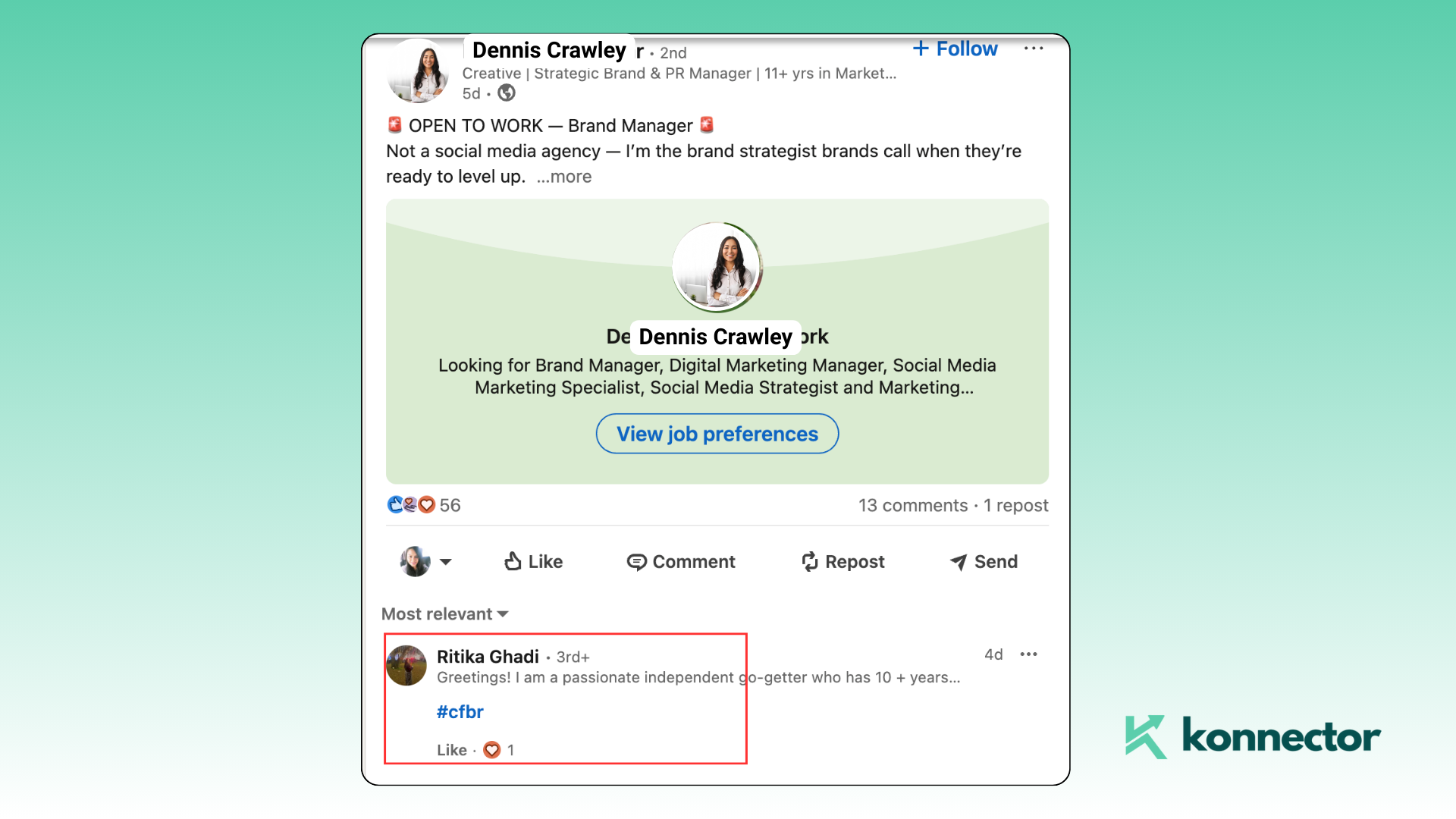
But CFBR is not about flooding feeds with “Great post!” or a stack of emojis. It’s about showing up with something worth reading. A thoughtful, relevant comment builds relationships and signals to LinkedIn® that you’re an active contributor, and the algorithm rewards exactly that.
Why Does Commenting Beat Just Posting?
Because LinkedIn®’s algorithm weighs comments far more heavily than likes, and commenting borrows reach from audiences you don’t have yet. Most people pour their energy into publishing posts and hoping one goes viral. The faster lever is commenting on content that’s already climbing, especially from influential voices in your niche.
The data backs this up. According to Richard van der Blom’s Algorithm Insights study of 1.8 million posts, comments carry dramatically more weight than likes in how LinkedIn® decides what to distribute, and the first 30 to 60 minutes after a post goes live largely set its reach. A sharp comment in that early window puts your name in front of a crowd you’d never reach alone.
Think of commenting as “give to get.” The more value you add on someone else’s post, the more likely their audience is to check you out, connect, or follow.
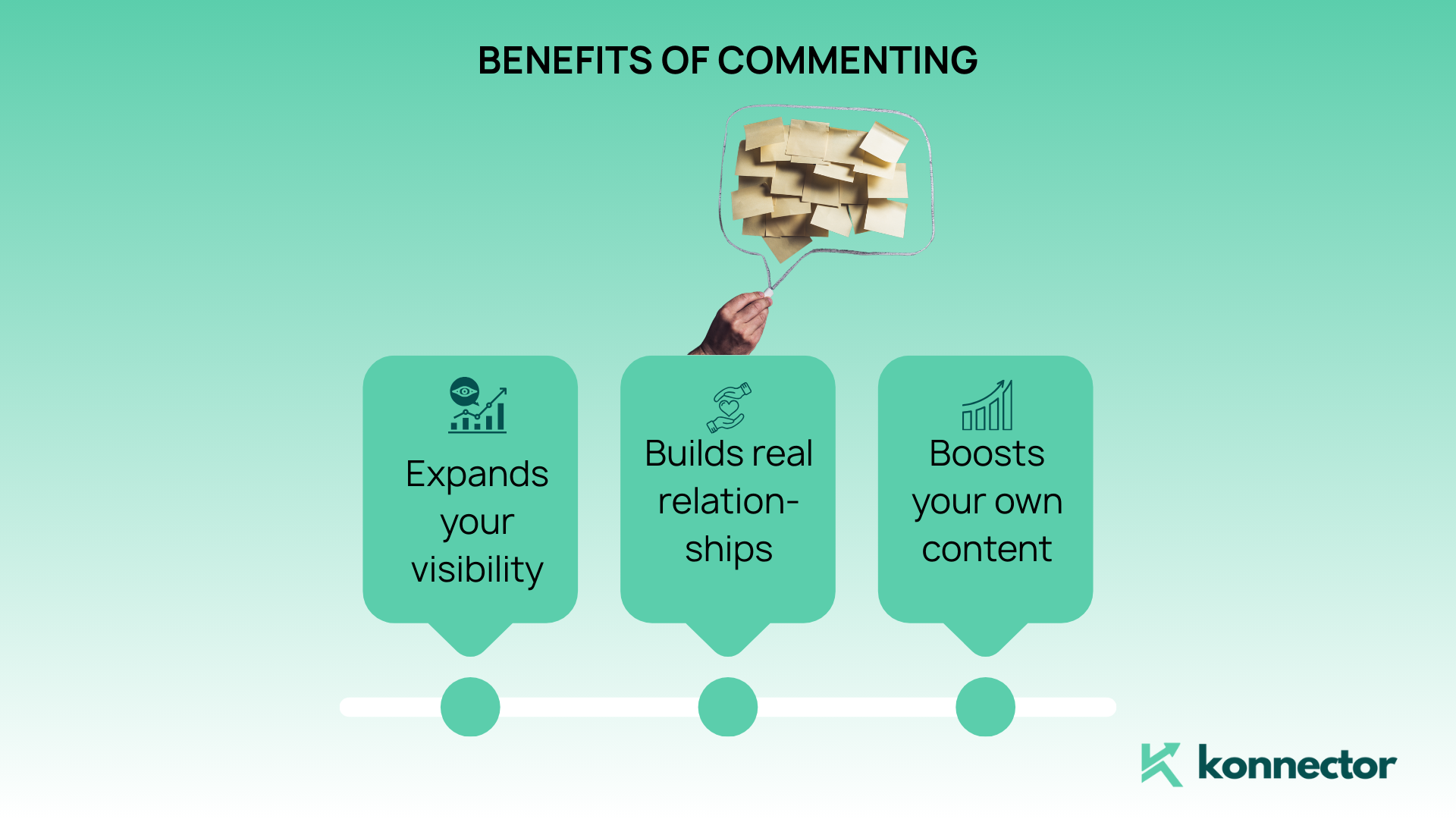
Here’s why it works, in plain terms:
- It expands your visibility beyond your immediate network
- It builds real relationships with creators and their audience
- It boosts your own content when those people engage back with you
How Do You Use CFBR as an Engagement Strategy?
You don’t need a big following or a content calendar. You need a daily commenting routine built on three habits: target the right posts, add real value, and stay consistent.
Target the right posts
Comment where your audience already gathers. That means posts from industry leaders, content with early engagement you can get ahead of, and anything tied to your niche or buyers. Use keywords and hashtags to surface those conversations. With Konnector, you can auto-extract posts from specific profiles, industries, or event feeds to build a ready-made commenting list.
Leave thoughtful comments
Aim for quality over quantity. A good comment does one of three things: adds a perspective (“Interesting — we saw similar results in the nonprofit sector”), asks a genuine follow-up (“How did you define success here?”), or tags someone relevant to the discussion.
Treat every comment like a mini-post. It should stand on its own, and the best ones earn engagement of their own.
Skip the generic one-liners, the “Great post!”, and the emoji-only replies. They add nothing, and the algorithm knows it.
Be consistent
This isn’t a one-off trick. It’s momentum. Start with three to five comments a day, focus on peak hours (roughly 8–10 AM or 4–6 PM), and mix across first, second, and third-degree connections. Even on days you don’t post, you’re still showing up, which keeps your visibility alive.
What Happens When You Comment on the Right Post?
A single well-placed comment on a viral post can put you in front of thousands of people outside your network, for free. Say you comment on a post from someone with 50,000 followers and it takes off. If your comment lands near the top, everyone reading that post sees you.

Some will check your profile. A few will follow. Others will connect or message you. That’s organic reach without spending a cent, and it converts far better when your profile is optimised to receive it. (Not sure what to tighten? Our LinkedIn® Character Limit Guide covers headlines and summaries that turn profile views into opportunities.)
How Do You Scale CFBR With Automation?
Manual commenting works, but it caps out fast. Automation lets you stay consistently present across a whole prospect list, as long as a human still approves each comment. That last part matters: fully automated, unreviewed commenting is what gets accounts flagged. The safe model is AI-drafted, human-approved.
Here’s how Konnector handles it:
AI-generated comments
Konnector reads the tone and topic of each post and drafts a smart comment in your chosen voice — friendly, witty, or professional. You approve or edit every one before it publishes, so you get scale without the “obvious bot” tax.
Targeted post filtering
Point it at the conversations that matter using keywords like #B2BSaaS, #DigitalTransformation, or #Leadership, or target specific company profiles and event participants. You stay active on exactly the right posts.
Workflow-driven commenting
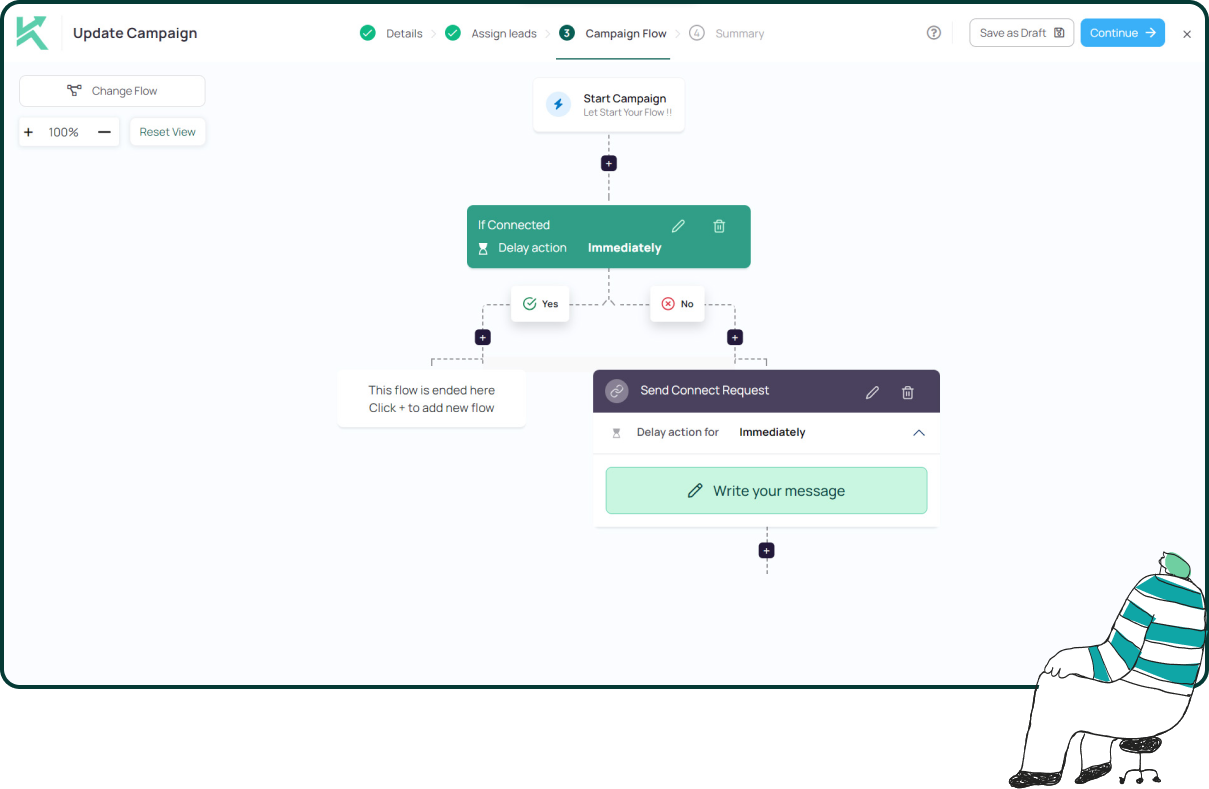
Chain commenting, profile views, and follow-up messaging into one sequence. For example: comment on a target’s post, wait 24 hours, and if they view your profile, send a message — if they don’t, engage with another post instead. That’s the “if-profile-viewed” logic in action, explained further in our guide to using LinkedIn® private mode effectively.
CFBR vs. Traditional Outreach: What’s the Difference?
CFBR warms prospects up before you ever message them, which makes it convert better than cold outreach and stick better than posting into the void. The comparison is stark once you lay it out.
| Approach | Visibility | Personalization | Conversion |
|---|---|---|---|
| Cold DMs | Low | Often generic | Low |
| Posting daily | Medium | Broad | Medium |
| Commenting (CFBR) | High | Highly relevant | High |
When you engage through comments first, your follow-up message feels natural instead of intrusive, because the person already recognises your name. It’s like smiling across the room before you walk over to say hello.
Pro Tips to Sharpen Your Comment Strategy
A few small habits compound your CFBR results over time.
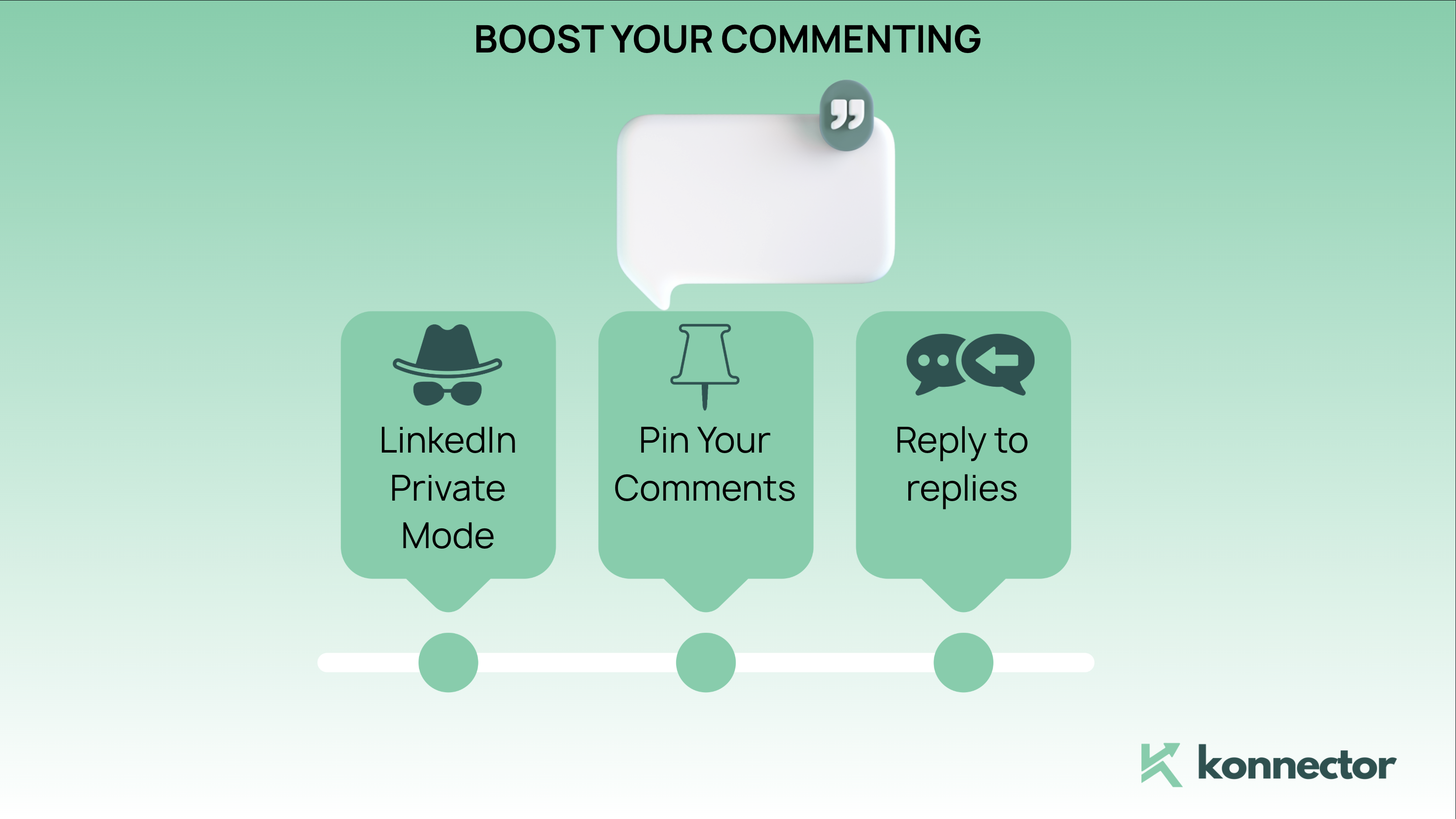
- Use LinkedIn® private mode to view high-value profiles and create a little intrigue
- Pin your best comment on your own post to drive extra visibility
- Always reply to replies — the more interaction your comment gathers, the longer it stays at the top
- When a comment sparks a DM-worthy exchange, treat it as a warm lead and nurture it
Final Thoughts
LinkedIn® is crowded. Everyone’s fighting to be seen, but few are doing it well. CFBR is one of the simplest, most powerful ways to grow your visibility, build relationships, and expand your influence, without posting daily or paying for ads.
It’s free, it’s effective, and it scales the moment you pair it with automation. So start today. Comment with purpose, add value, and show up often.
Ready to Scale Your Engagement?
Let us show you how smart automation and targeted engagement can transform your outreach.
📅 Book a quick demo with Konnector and see how to build stronger connections, spark real conversations, and turn attention into results at scale.
11x Your LinkedIn® Outreach With
Automation and Gen AI
Harness the power of LinkedIn® Automation and Gen AI to amplify your reach like never before. Engage thousands of leads weekly with AI-driven comments and targeted campaigns—all from one lead-gen powerhouse platform.
Frequently Asked Questions
CFBR stands for Commenting For Better Reach, a strategy where users comment on posts to increase visibility, engagement, and profile reach on LinkedIn®.
Yes, meaningful comments boost your visibility because LinkedIn®’s algorithm prioritizes engagement. Comments can expose your profile to a wider audience beyond your network.
A good starting point is 3–5 thoughtful comments per day. Consistency matters more than volume, so focus on adding value rather than posting frequently.
A good LinkedIn® comment adds value by sharing insights, asking questions, or contributing to the discussion. Avoid generic phrases like “Great post!” or emoji-only responses.
CFBR complements posting. While posting builds your authority, commenting increases visibility and helps you engage with a broader audience more consistently.
Yes, when a human approves each comment before it posts. Fully automated, high-volume commenting risks account restrictions, so keep AI as a drafting aid with you in the approval loop.