Why Your LinkedIn® URL Matters
Have you ever copied your LinkedIn® profile link only to find it filled with random numbers and letters? Not exactly easy to remember or share, right? A customized LinkedIn® URL makes your profile look professional, improves personal branding, and helps recruiters or connections find you faster.
Whether you’re job hunting, networking, or establishing your online presence, a clean LinkedIn® URL is a small but powerful upgrade. Plus, it looks great on your resume, business cards, and email signature.
How to Generate your LinkedIn® URL
When you first create your LinkedIn® account, the platform assigns you a default profile URL that looks something like this:
www.linkedin.com/in/john-doe-7389hfj123
It’s cluttered, forgettable, and not the best first impression. But don’t worry—you can easily change it to something clean and personalized.
How to Customize Your LinkedIn® URL
On Desktop
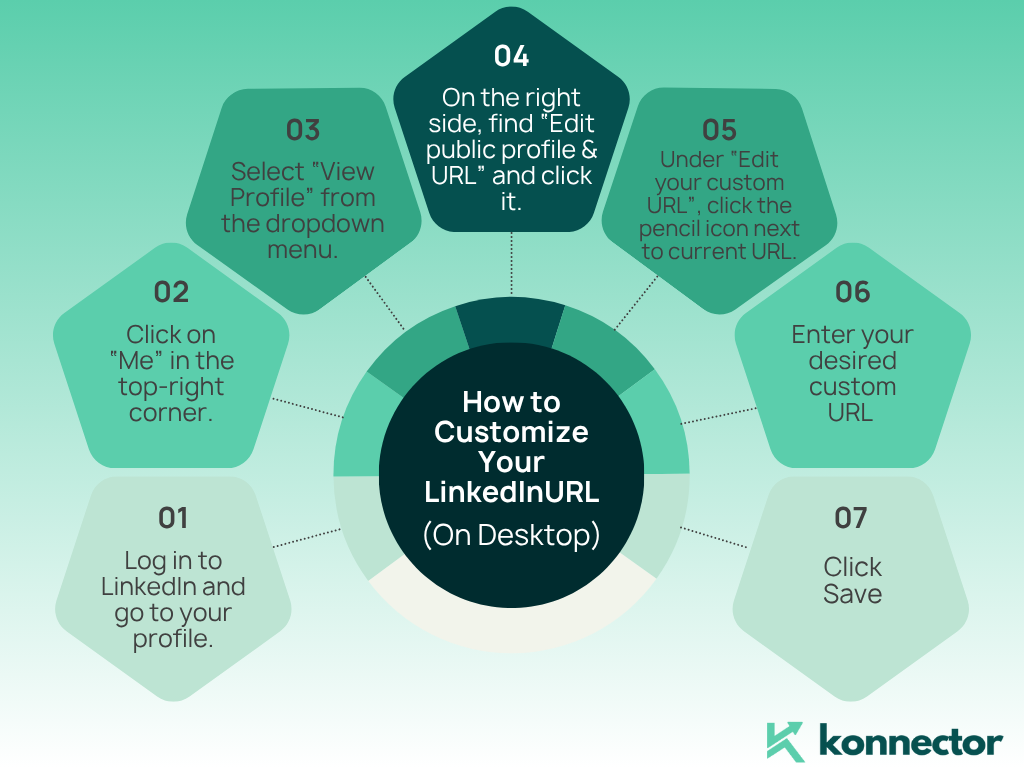
- Log in to LinkedIn® and go to your profile.
- Click on “Me” in the top-right corner.
- Select “View Profile” from the dropdown menu.
- On the right side, find “Edit public profile & URL” and click it.
- Under “Edit your custom URL”, click the pencil icon next to your current URL.
- Enter your desired custom URL (ideally your name without spaces or symbols).
- Click Save, and you’re done!
On Mobile
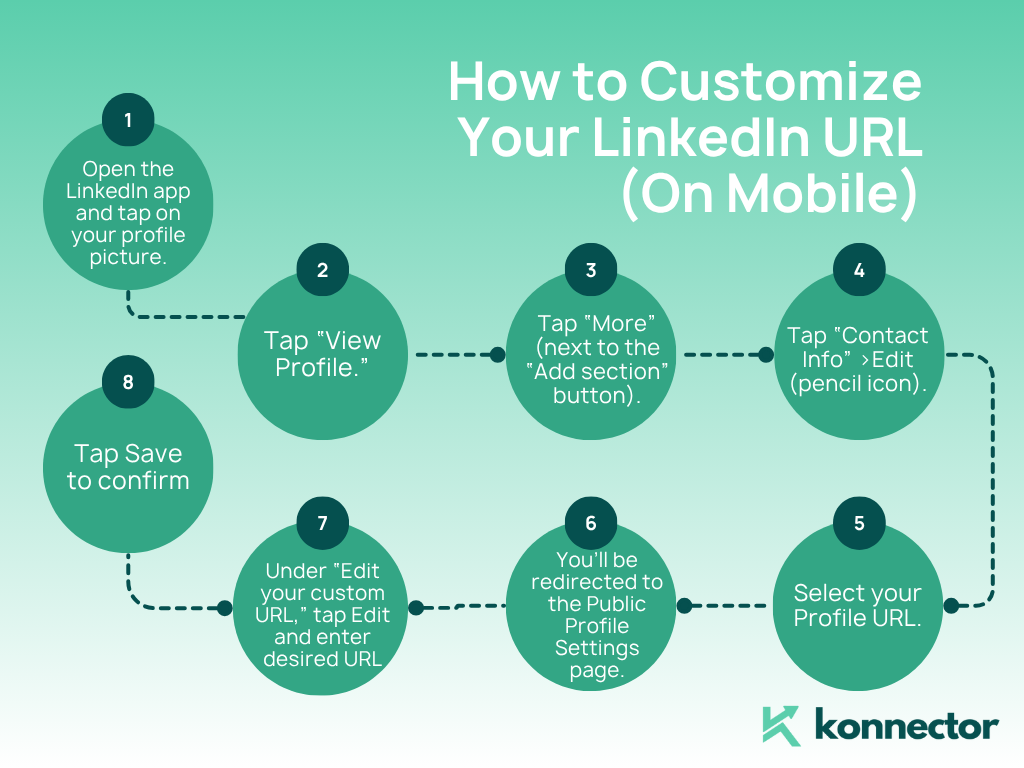
- Open the LinkedIn® app and tap on your profile picture.
- Tap “View Profile.”
- Tap “More” (next to the “Add section” button).
- Tap “Contact Info” > Edit (pencil icon).
- Select your Profile URL.
- You’ll be redirected to the Public Profile Settings page.
- Under “Edit your custom URL,” tap Edit and enter your desired URL.
- Tap Save to confirm.
Best Practices for a Professional LinkedIn® URL
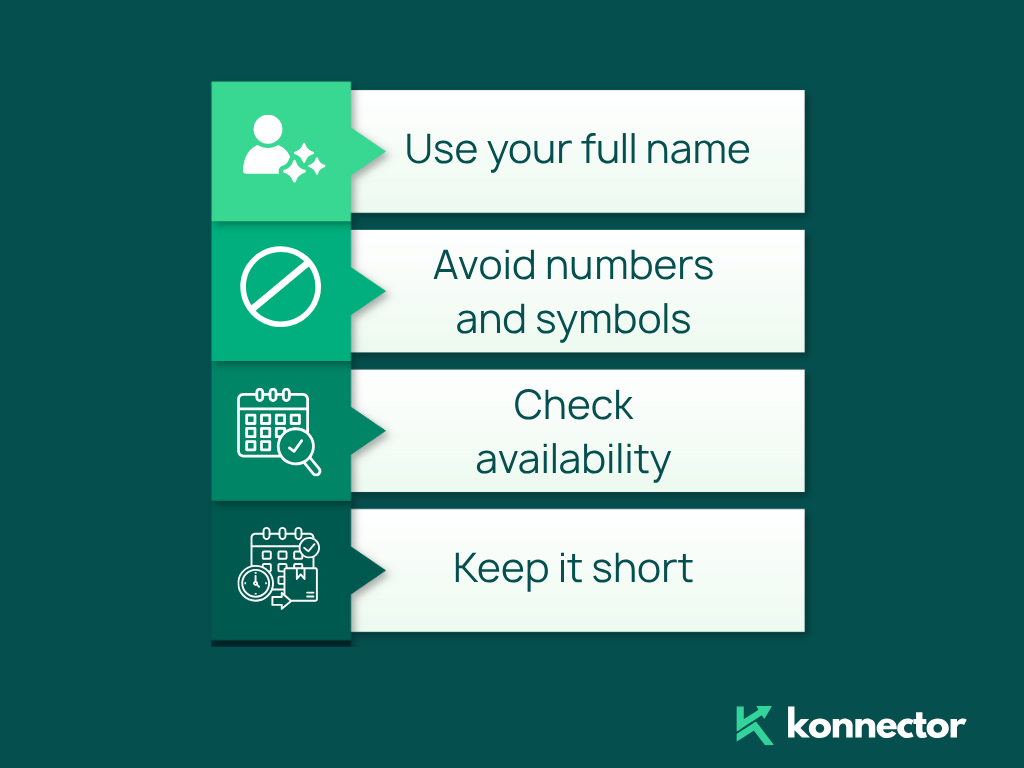
- Use your full name: A simple, professional format like linkedin.com/in/johndoe is best.
- Avoid numbers and symbols: If your name is taken, try adding your middle initial or profession (e.g., linkedin.com/in/johndoe-marketing).
- Keep it short: The simpler your URL, the easier it is to share.
- Check availability: If your preferred URL is taken, experiment with slight variations.
Where to Use Your LinkedIn® URL
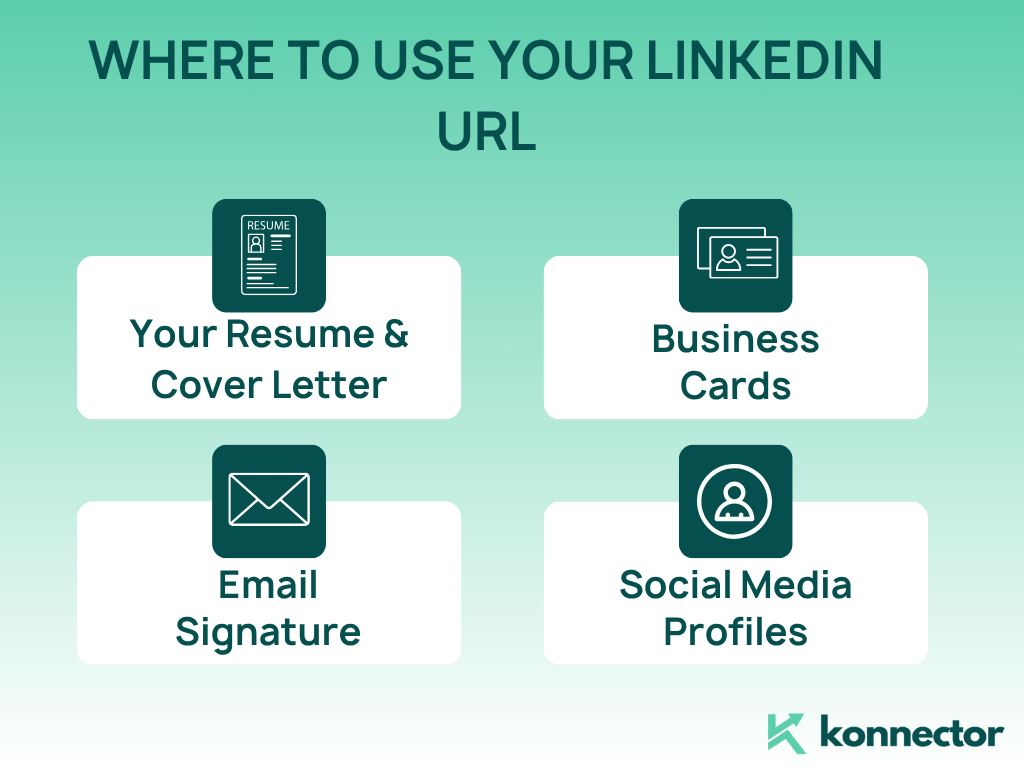
- – Your Resume & Cover Letter: Make it easy for recruiters to find and review your profile.
- – Business Cards: A customized LinkedIn® URL adds credibility and professionalism.
- – Email Signature: Encourage connections with every email you send.
- – Social Media Profiles: Cross-promote your LinkedIn® on Twitter, Instagram, or personal websites.
Final Thoughts
Think of your LinkedIn® profile as your digital business card. A simple, customized URL makes you stand out, enhances your personal brand, and ensures that recruiters and potential clients can find you easily.
It only takes a couple of minutes to update, but the impact on your online presence is significant.
Take a moment today to clean up your LinkedIn® URL—it’s a small change that makes a big difference!
Hope this guide has helped you figure out how to generate a LinkedIn® URL. Here are some more hacks to ace your LinkedIn® game:
Read More:
How to Create a New LinkedIn® Password
What to Do If your LinkedIn® Account is Restricted

11x Your LinkedIn® Outreach With
Automation and Gen AI
Harness the power of LinkedIn® Automation and Gen AI to amplify your reach like never before. Engage thousands of leads weekly with AI-driven comments and targeted campaigns—all from one lead-gen powerhouse platform.
Frequently Asked Questions
To generate a LinkedIn® URL, simply create a LinkedIn® profile. The platform automatically assigns a default profile URL, which you can later customize from your profile settings.
To customize your LinkedIn® URL, go to your profile, click on “Edit public profile & URL,” and enter your preferred URL. Choose a clean version of your name for a more professional look.
A custom LinkedIn® URL improves your personal brand, makes your profile easier to find, and looks more professional on resumes, business cards, and email signatures.
The best format is your full name without numbers or symbols, such as linkedin.com/in/yourname. If unavailable, you can add a middle initial or profession.
Yes, LinkedIn® allows you to change your custom URL multiple times, but frequent changes are not recommended as it may confuse recruiters or connections.
You should use your LinkedIn® URL on your resume, cover letter, email signature, business cards, and other social media profiles to increase visibility and credibility.